Interior spaces
Living room, Bedroom, Kitchen and Bathroom. Pick the room, pick the style, and keep the layout of your real space.
Snap a photo of any room, garden or facade, pick a style, and DecoAI returns a redesign of that exact space in seconds. No prompt to write — pick a room, tap a style, keep your real walls, windows and furniture where they are.
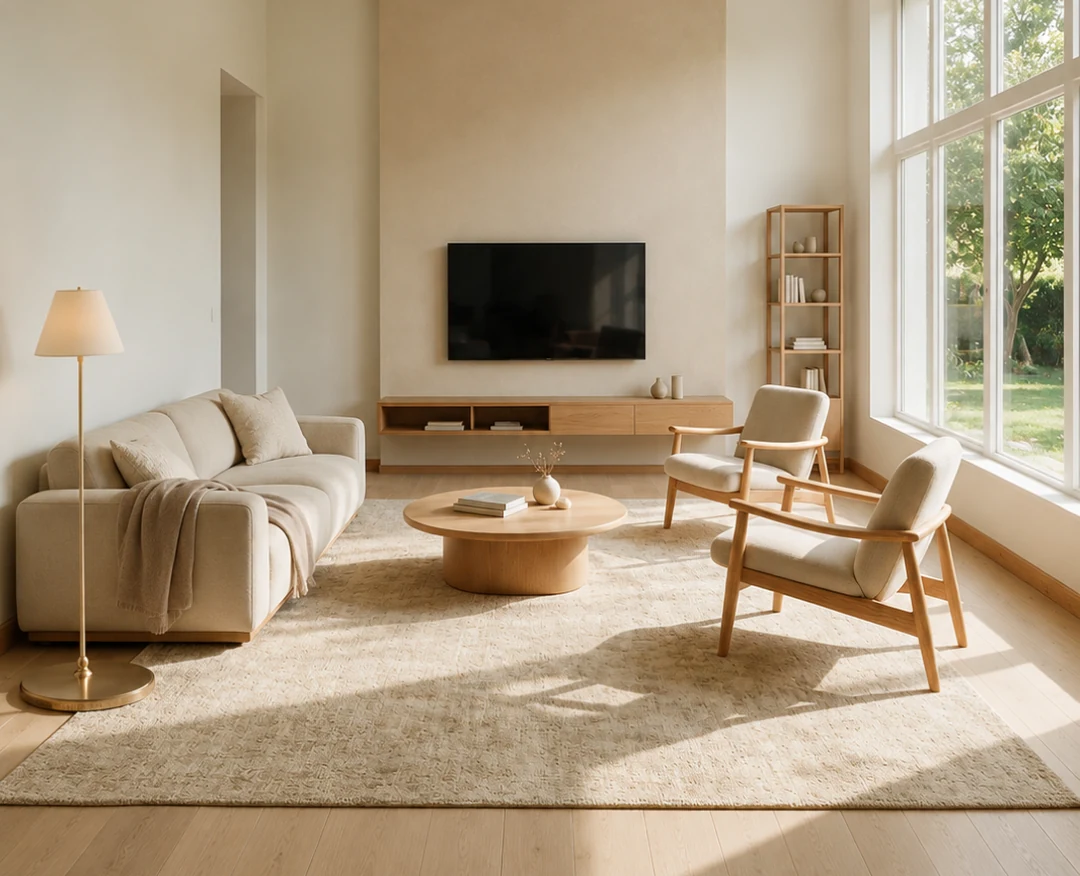
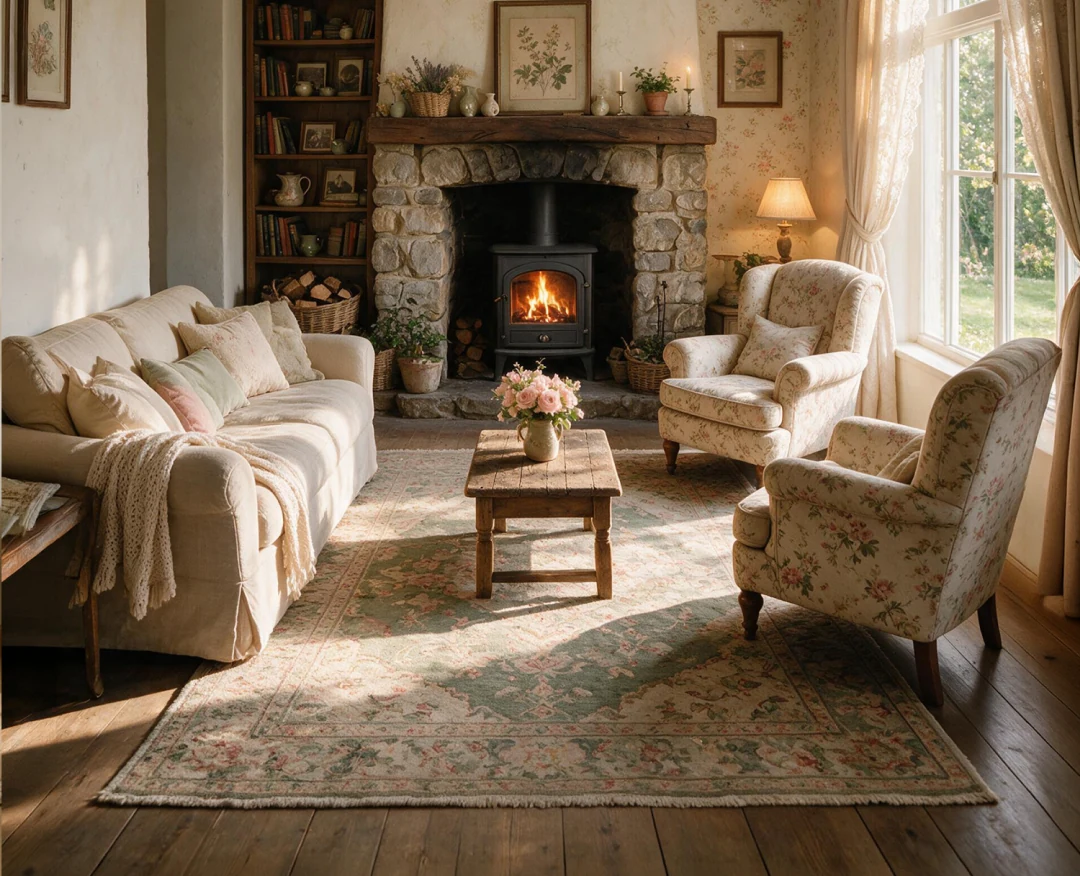
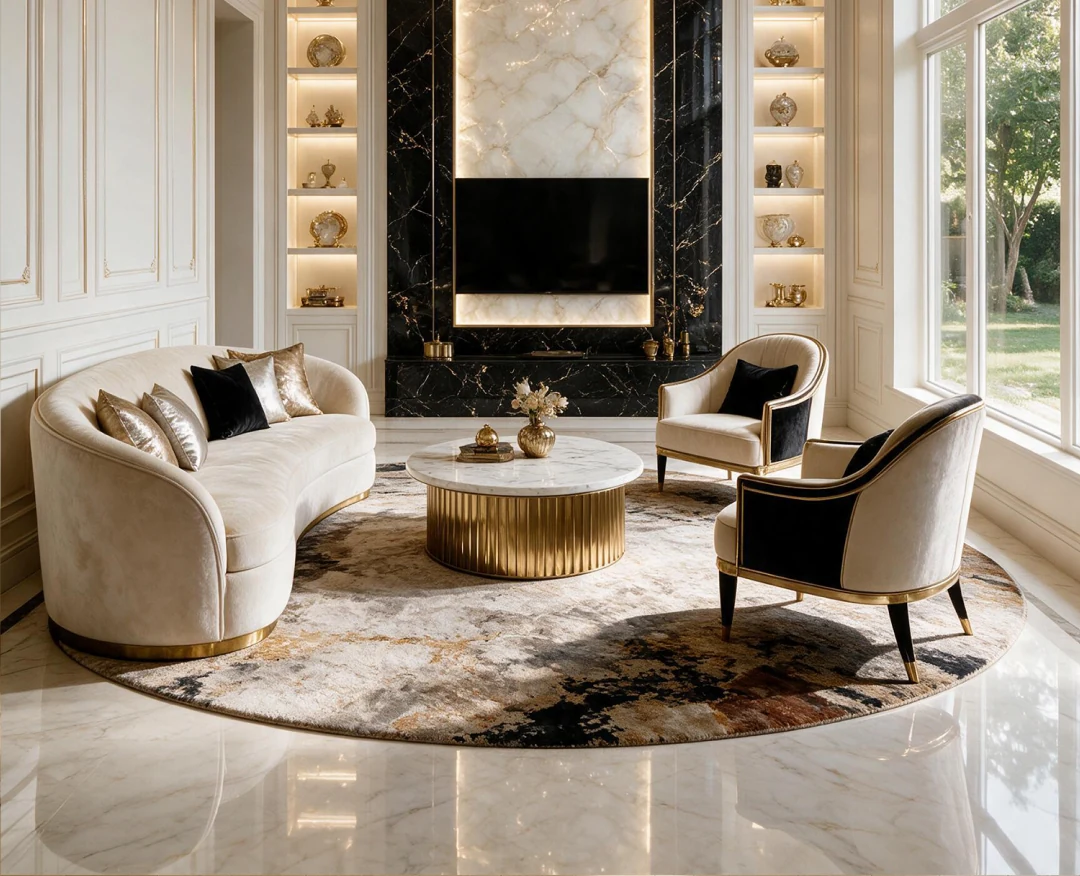
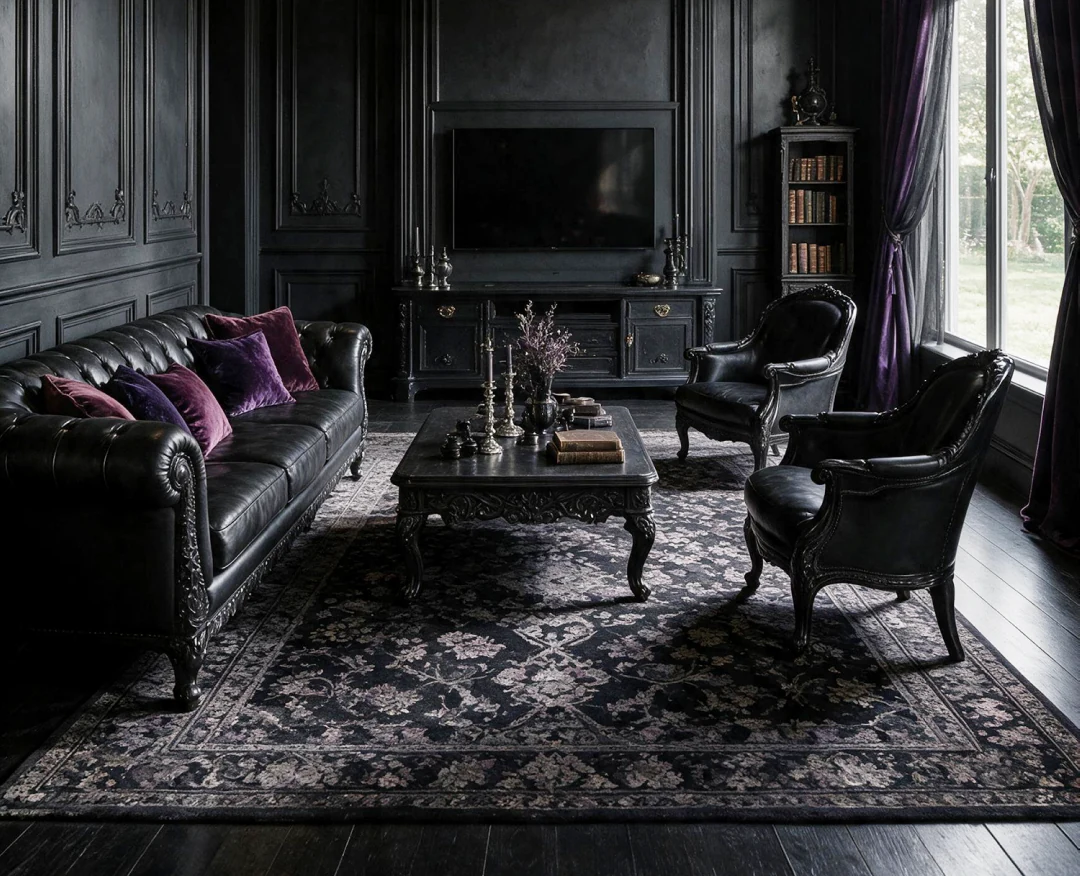
Drag the handle — the room underneath is the original photo.
Features
Interior and exterior, a catalogue of curated styles, and a Library that stays on your device.
Living room, Bedroom, Kitchen and Bathroom. Pick the room, pick the style, and keep the layout of your real space.
House facades, Gardens and Swimming pools. The same one-tap flow, tuned for outdoor light and materials.
From Scandinavian and Japandi to Modern Luxury and Dark Academia. No prompt writing — every style is one tap.
Browse finished rooms for ideas, then apply the exact style behind any of them to a photo of your own space.
Every design you generate is kept on your device with its style and room, ready to compare, re-share or delete.
Every style and every generation is free, funded by ads. The optional subscription only removes advertising.
How it works
Take a photo, pick one from your gallery, or start from one of the sample rooms bundled in the app.
Select the room category and a design style from the catalogue. No prompt to write, nothing to configure.
The AI restyles that exact space in seconds. Compare against the original, save it, or share it.
FAQ
Yes. Every design feature — the full style catalogue, Interior and Exterior generation, Inspiration and the Library — is free and funded by advertising. There is one optional subscription, and its only effect is to remove advertising. It does not unlock any style, room or feature.
Your actual room. DecoAI takes the photograph you provide and restyles that same space, which is why the before/after comparison lines up with your real walls, windows and furniture positions.
Your photo is sent to our servers only to be processed in real time, then permanently deleted once the result is delivered. It is not stored, cached or logged on our infrastructure, and it is never used to train AI models. The finished designs are saved locally on your device in the app Library.
On your device only. We do not keep a copy and cannot restore them. Deleting an item from the Library, clearing app data or uninstalling the app removes them permanently, so use Save to keep anything you care about in your photo album.
Store essentials
Publisher details, the legal documents linked from inside the app, and our authorised digital sellers file.
Free to use, every style unlocked. The optional subscription only removes ads.